The system will email the appraisee when the Form 4 has been forwarded for their review. They can click on the embedded link or navigate to SOAR in the usual way to access and review the Form 4:


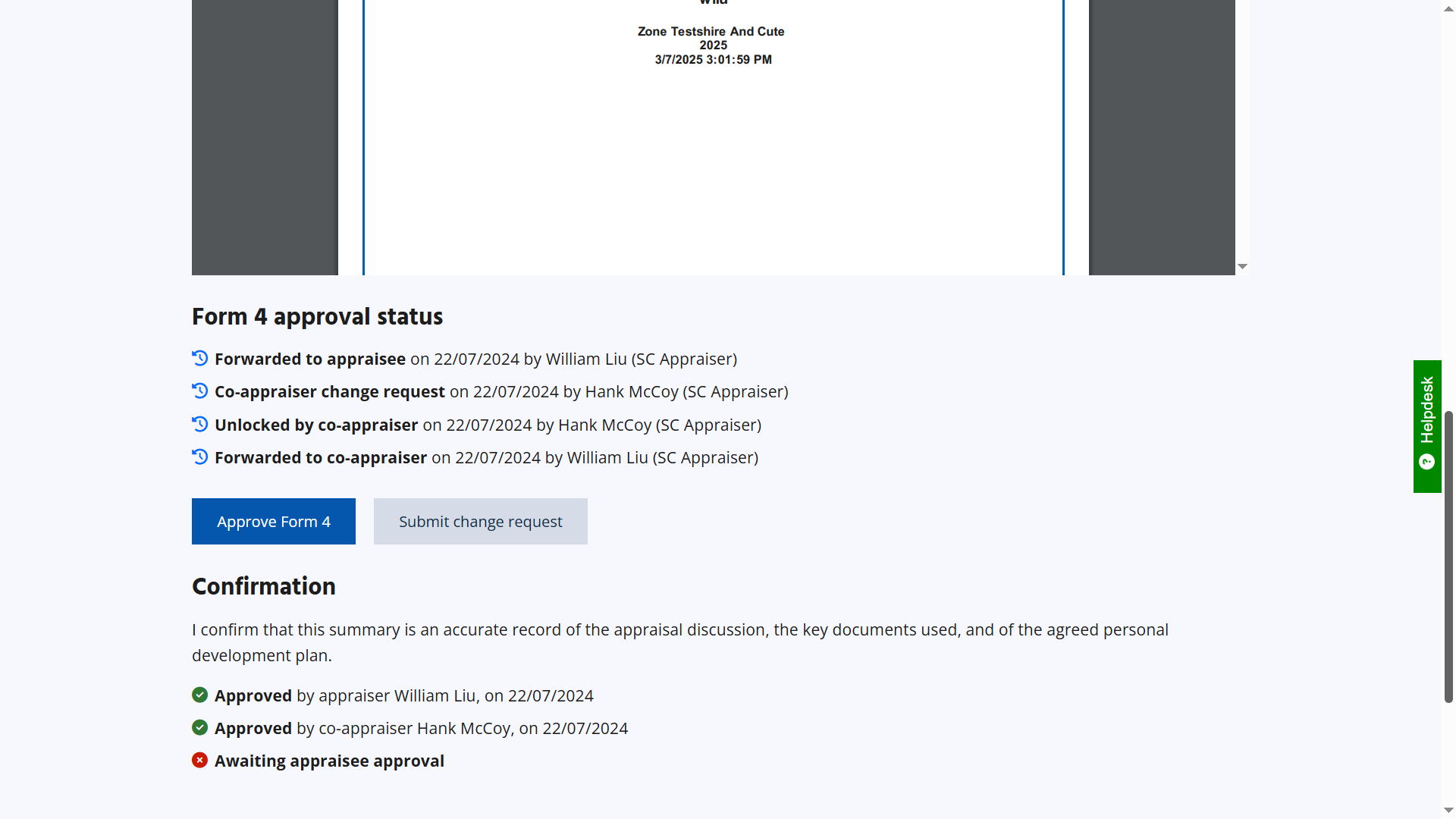
Once the Form 4 has been signed off, the appraisee and appraiser are invited to complete the Feedback Form 6.
And that is the appraisal process on SOAR.
Appraisees may wish to download the Form 4 into a PDF so local storage or sharing with potential new employers as proof of appraisal (see FAQ #9 on how to download and print just the first two pages of the PDF).
Please note that the sharing of Form 4 is at the appraisees' own discretion, there is no automated function on SOAR to share the Form 4 any wider than those on the system with existing access (appraisee themselves, their current assigned appraiser, their Appraisal Lead and their Responsible Officer).
This page was last updated on: 08/06/2026